Frame the cheese clearly
Photograph the front of a package or a visually distinctive cheese in good, even light.
Point your camera at a cheese and let Cheesepedia help identify it. Move from an unfamiliar package or distinctive cheese style to its origin, milk, texture, taste profile, and pairing context.
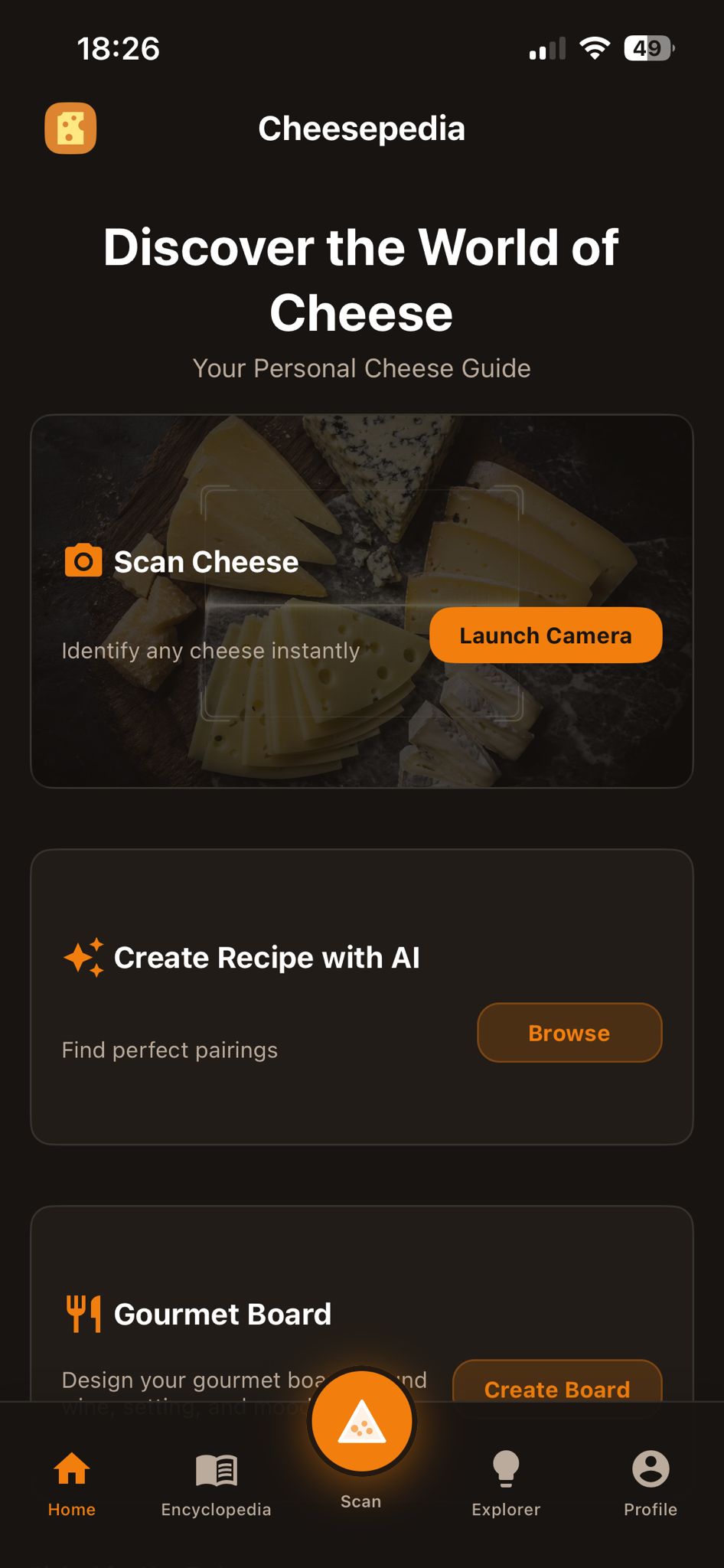
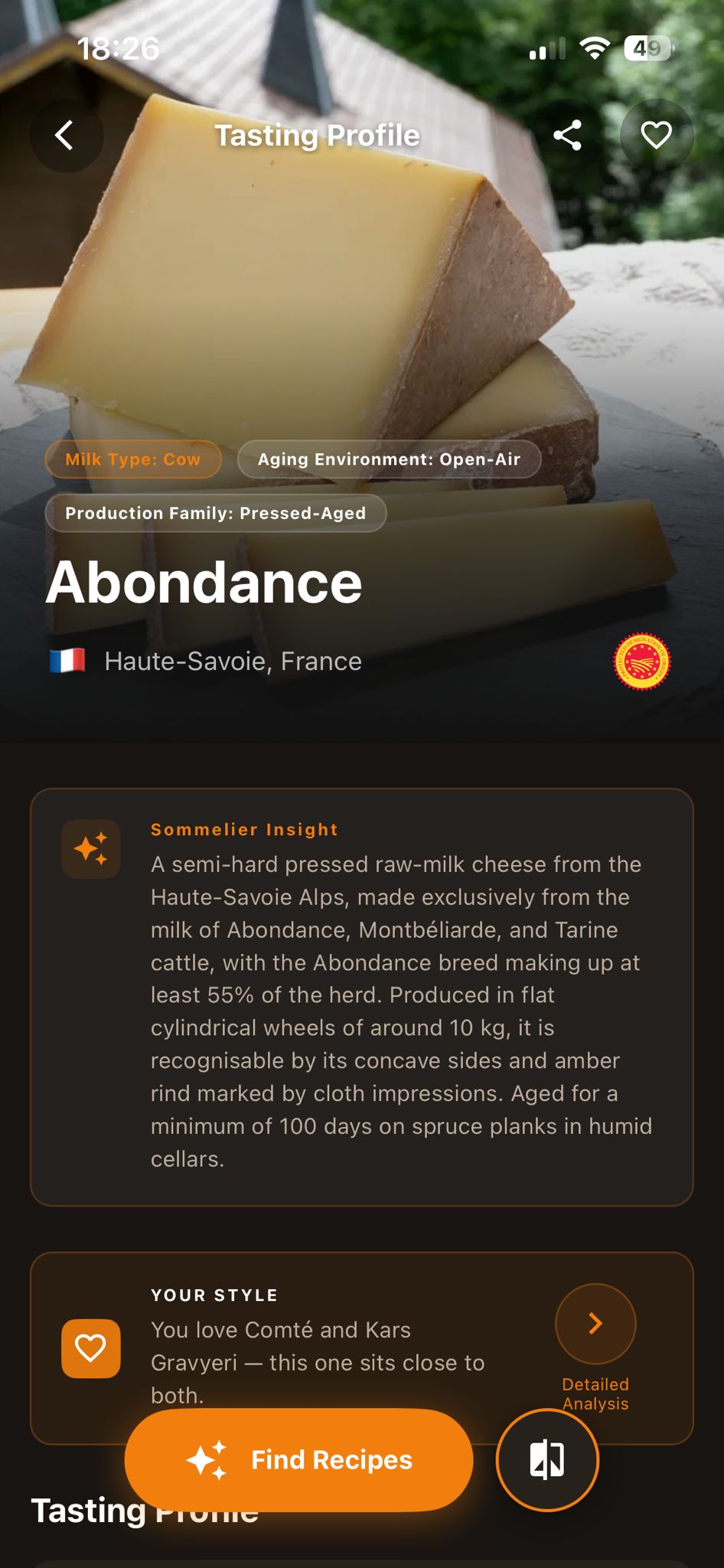
The scanner connects an image to Cheesepedia's structured cheese library. Instead of stopping at a possible name, it gives you the descriptive information you need to understand the cheese and decide what to do with it.
Photograph the front of a package or a visually distinctive cheese in good, even light.
Check the identified cheese and confirm that the visible name, style, or package details make sense.
Open the cheese profile for origin, milk, texture, taste, pairing ideas, and your personal match.
Labels, brand cues, and package details give the scanner more reliable visual evidence and are its primary use case.
Cheeses with clear visual differences can also be recognized with high confidence when the image is sharp and well framed.
Understand an unfamiliar packaged cheese before placing it in your basket.
Use a clear visual clue as a starting point, then confirm the suggested result.
Reopen the profile for serving, pairing, recipe, and storage context.
It is primarily designed for packaged cheeses and can also distinguish cheeses with clear visual differences. Results depend on the quality and context of the image.
Yes. Image recognition is AI-supported. The scanner connects the suggested result with Cheesepedia's structured cheese information.
Use even light, avoid glare, keep the cheese or front label fully visible, and hold the camera steady. For packaged products, make the product name and key details readable.
Do not rely on it. Try another angle or a clearer image and verify the result against the visible label, origin, milk, and style information.
Identify what is in front of you, review the match, and continue with the profile and pairing information that matters.